
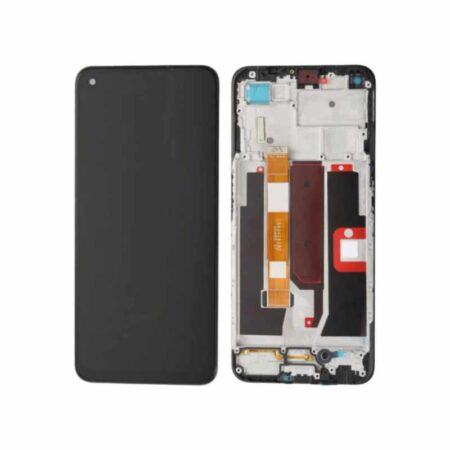
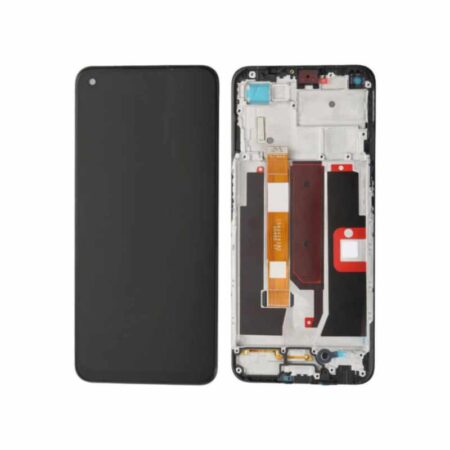

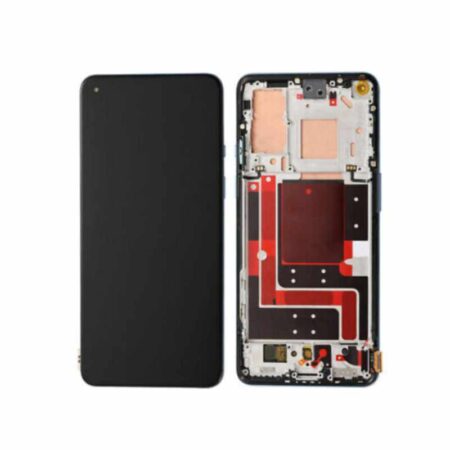

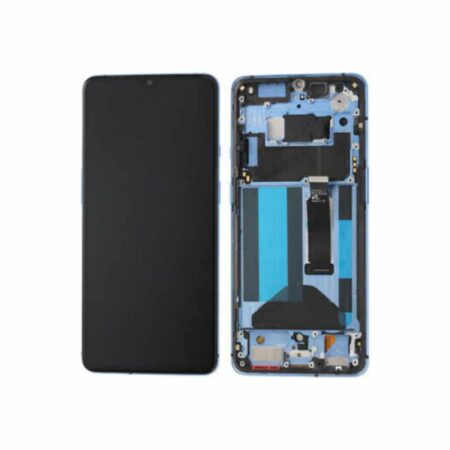


Motorola Moto G23 Back Glass Cover Replacement
Our Location: Imenti house, Along Moi avenue, Wasafi stall, Ground Floor . Shop G19-2, Nairobi.
Our Telephone Contact: 0723662269ORDER VIA Whatsapp
Motorola Moto G23 Back Glass Cover Replacement Service
Expert Back Cover Repair for Your Motorola Moto G23
Motorola Moto G23 Back Glass Cover Replacement Price in Kenya is ksh. Your Motorola Moto G23’s rear glass is more than aesthetics — it’s precision engineering. When it’s broken, you need expertise, not a quick fix. We specialize in restoring Motorola Moto G23 back covers to factory condition using genuine Motorola components and proper installation techniques.
We’ve replaced back covers in many Motorola devices. We know which breaks are easy fixes and which indicate deeper internal damage. We inspect your phone fully before quoting a price.
Why the Motorola Moto G23 Back Cover Matters
The back cover isn’t just a shell. It’s integrated into your phone’s:
Wireless Charging System
If your Motorola Moto G23 supports wireless charging, the back cover is the interface between the charging coil and your hand. A cheap replacement with thicker glass blocks charging or slows it down. A cracked original allows moisture to short-circuit the charging coils.
Antenna Design
Motorola etches antenna lines into the back cover’s glass. These aren’t decorative — they’re functional radio components. A third-party back cover without proper antenna layout causes signal loss, poor WiFi connectivity, or dropped calls.
Thermal Management
The back cover helps dissipate heat from the battery and processor. A replacement with different thermal properties causes the phone to overheat during heavy use.
Structural Integrity
The frame + back cover work together as a unit. Improper re-assembly causes the frame to stress unequally, bending the phone or causing the screen to crack later.
This is why a proper back cover replacement requires knowledge, not just speed.
Back Cover Damage Assessment Process
When you bring your Motorola Moto G23 in, we run diagnostics:
Visual Inspection
How many cracks? Where? Is the glass missing chunks? How deep does the damage go? We photograph the damage and track progression.
Motherboard Check
Has moisture entered? We use a magnifying lens to look for corrosion on the motherboard visible through the cracks. If we see corrosion, we inform you immediately — the phone may need more than back cover replacement.
Frame Assessment
Is the aluminum frame bent? A bent frame won’t accept a new back cover properly, and forcing one will cause misalignment. If the frame is damaged, we discuss repair options.
Wireless Charging Test (if applicable)
We place the phone on a wireless charger to confirm it’s working. If the cracked back cover has already damaged the charging coil, we discuss replacement options.
Water Damage History
How long has the back cover been cracked? We check the battery contacts and internal connectors for corrosion that might have developed during exposure.
Based on this assessment, we give you an honest quote. Sometimes it’s just back cover replacement. Sometimes we recommend additional repairs.
Our Motorola Moto G23 Back Glass Cover Replacement Process
Step 1: Heat Application
We carefully apply controlled heat (using specialized equipment, not a hair dryer) to soften the adhesive holding the back cover to the frame. This may take a while — rushing causes heat damage to internal components.
Step 2: Glass Removal
Using precision pry tools and careful pressure, we lift the old back cover away from the frame. Any sharp glass fragments are removed safely. We inspect the frame for adhesive residue and gently clean it.
Step 3: Frame Inspection
We examine the frame’s seating surfaces (where the back cover glues down) for damage or corrosion. If the seating is damaged, the new back cover won’t seal properly. We address this if needed.
Step 4: Adhesive Application
We apply Motorola-approved adhesive strips around the frame’s perimeter. These strips have specific thermal properties and stickiness values — not all adhesives are equal. We use the correct product for the Motorola Moto G23.
Step 5: Back Cover Seating
The new genuine Motorola back cover is carefully aligned and pressed into place. Alignment matters — camera ring, antenna lines, and frame edges must all sit flush. We use a pneumatic press for even pressure distribution (not hand pressure).
Step 6: Curing
Adhesive needs time to cure at proper temperature and humidity. We don’t hand the phone back immediately.
Step 7: Testing
After curing, we run full diagnostics: wireless charging test, network signal strength, water resistance check, and physical inspection. Only after passing all tests do you get your phone back.
Motorola Moto G23 Back Cover Specs & Variants
| Specification | Details |
|---|---|
| Material | Plastic (polycarbonate) back cover with Panda Glass front |
| Finish | Matte finish |
| Color Options | Matte Charcoal, Pearl White, Steel Blue |
| Dimensions | 162.7 × 74.66 × 8.19 mm |
| Weight | 184 g |
| IP Rating | – |
| Wireless Charging Support | No |
We stock genuine Motorola back covers in Matte Charcoal, Pearl White, Steel Blue. If your Motorola Moto G23 color is out of stock, we can order it — typically available within a short period.
FAQ: Motorola Moto G23 Back Glass Cover Replacement Expertise
Q: Why can’t you just use a third-party back cover? They’re cheaper.
A: Third-party back covers often have:
- Incorrect antenna line placement (causes signal loss)
- Thicker glass (blocks wireless charging)
- Wrong adhesive compatibility (falls off after weeks)
- No oleophobic coating (fingerprints permanent after a few wipes)
- Misaligned camera ring (camera sits at wrong depth)
We’ve seen customers bring phones back after getting cheap replacements elsewhere. We end up replacing the cheap back cover with a genuine one. Total cost ends up being more than getting it right the first time.
Q: How do I know if the back cover was properly sealed after replacement?
A: We provide visual proof. Your phone is tested on a wireless charger (if supported) before you leave. We also perform a water spray test in front of you — a light spray on the back while it’s powered on confirms the seal is working. If water reaches the internal components, you’d see a power-off. Our phones pass this test.
Q: My back cover is starting to separate from the frame. Is the adhesive bad?
A: Possibly, but more likely the phone was exposed to extreme heat or pressure after replacement. Adhesive can be stressed by:
- Leaving the phone in direct sun (adhesive softens)
- Pressure on the edges (too-tight phone case)
- Repeated extreme temperature changes
Q: Can you order a back cover in a different color?
A: Yes, but it’s a special order. We typically stock Matte Charcoal, Pearl White, Steel Blue. For others, it takes time and costs. Let us know your preferred color when booking.
Q: Is the back cover still under warranty after I get it replaced?
A: Motorola’s manufacturer warranty doesn’t cover accidental damage (cracks). However, we offer warranty period replacement guarantee on our installation. If the back cover we install fails, we replace it free. This is our guarantee, not Motorola’s.
Q: Will my phone’s water resistance be the same as when it was new?
A: Yes, after a proper replacement with a genuine back cover and correct sealing. However, if the frame is cracked, bent, or if other components (screen, charging port) are already damaged, water resistance is compromised. We’ll assess all of this before replacement and be honest about limitations.
Q: Can you replace the back cover without removing the screen?
A: Yes. We disassemble from the back, not the front. The screen stays intact during back cover replacement (unless it’s already cracked and you want us to fix both).
Cracked screen too? Check our Motorola screen replacement page.
Camera not focusing? The back cover might be pressing on camera components — we can check during replacement.
Only logged in customers who have purchased this product may leave a review.

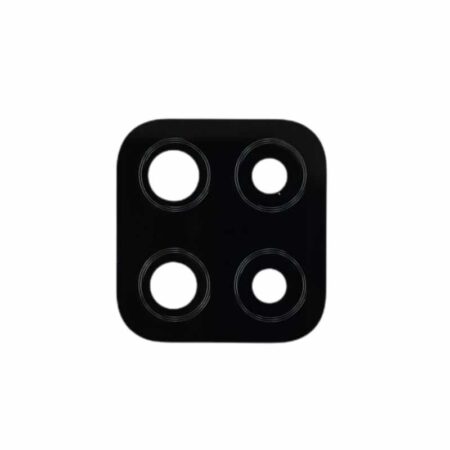



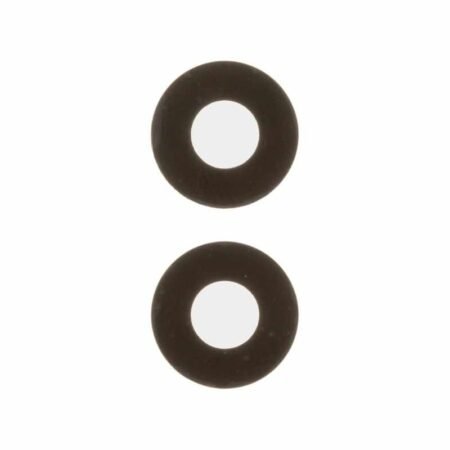
Reviews
There are no reviews yet.